In my early months as a project manager, I quickly began to feel overwhelmed by the things I had to keep track of and I was spending more and more hours at work.
Soon I realised I had to do something about it and I began analysing how I was using my time.
What I learned by analysing my time helped me take some decisions on what I should do to organise myself, and some of those I am still applying nowadays.
Plan ahead
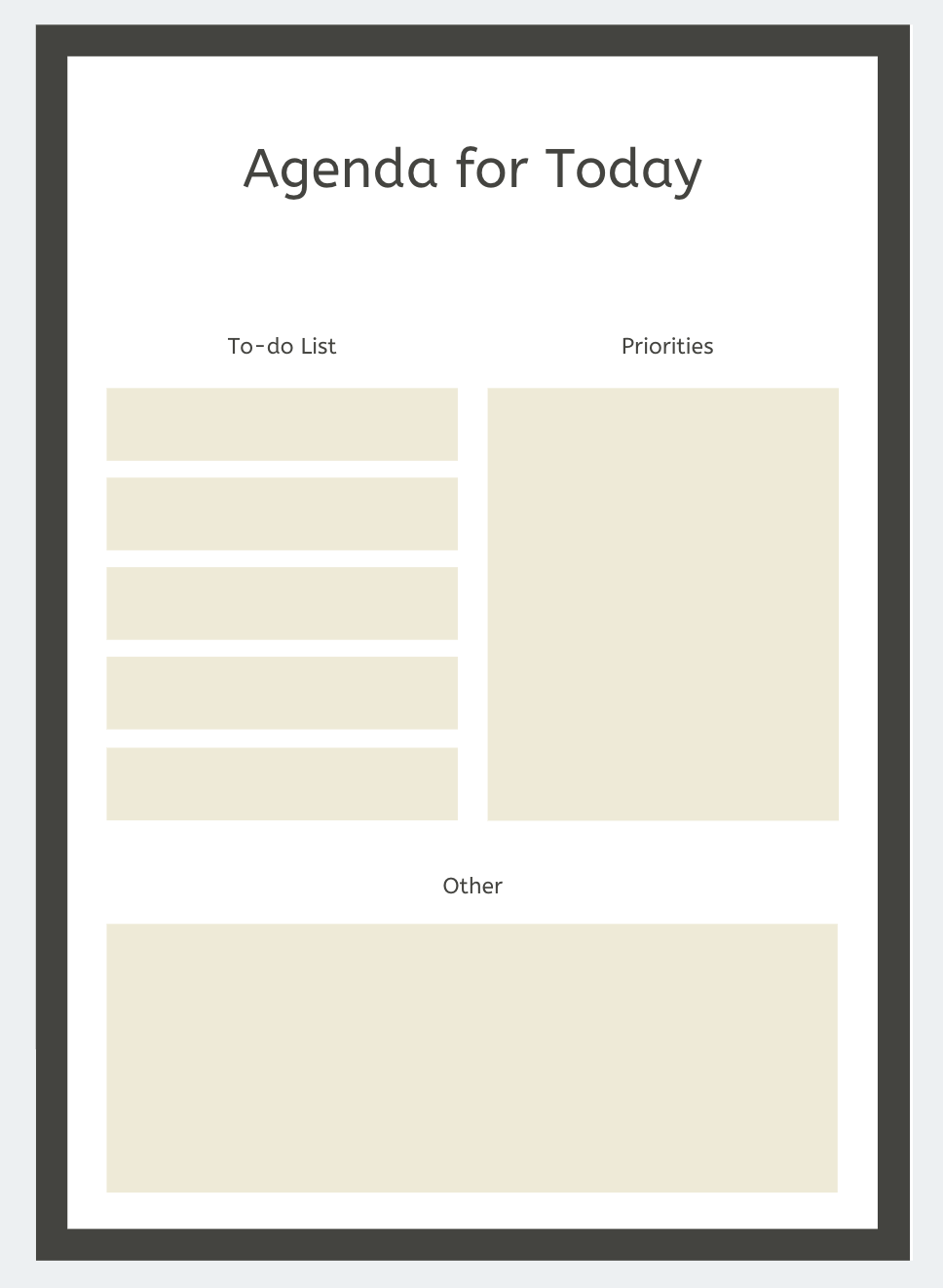
What I found helps me a lot is to list what needs to be done ahead. I am partially following the bullet journaling rules, and I try to make a high-level view every month.
Then, on a weekly basis, I update the coming week.
Daily, I review the following day’s to-do list and I update it accordingly. I also add some daily milestones, so I can review the list and make sure I covered what needed to be done by then.
An important thing I would add here is that if you are to follow this type of planning, be it in a physical agenda or an app, do not forget to move your remaining or postponed tasks.
Use apps for support
There are numerous apps on the internet that you can use to help you take notes and add to-dos, from Microsoft’s OneNote and Apples’ Reminder to Wunderlist and Evernote. The benefits for these is that you can always access them, be it on the web or on your phone apps.
In addition to these, you can combine with a Calendar app, such as the calendar on Outlook, Google Calendar, Apple Calendar.
On top of these, you can add some time tracker apps, especially if you want to analyse how you spend your time. There are trackers that can be shared with your teams, clients and can be integrated with various other tools.
An example of an app I recently took a look at is TMetric, that combines projects, tasks, teams, clients and invoicing with integrations with Jira, that I thought it quite helpful especially with software development project managers.
Say no to multi-tasking
Multi-tasking is a myth and we should not fall under the trap that we are super-humans that can do multiple things at the same time.
We are normal humans, we can focus well on one thing at a time. We cannot listen actively to a meeting while also writing an e-mail and communicating with our team mates.
American Psychological Association: https://www.apa.org/research/action/multitask.aspx
Take breaks

In addition to planning your tasks for the day and to follow on those daily milestones, one things that is important is to also pause from time to time. If you are the kind of person who gets glued to its chair, try to include some reminders to move. You can use your phone Alarm, an online alarm or even a desktop app.
Check out some suggestions here: https://www.techrepublic.com/blog/five-apps/five-free-apps-to-help-remind-you-to-take-a-break/
I personally did not use any of these and not because I am so good at pausing, but because I really could not have been bothered to have something interrupt me when I am really focusing on something and I am too stubborn to use these. However, I know a few people that swear by these. Instead, I do plan approx. 3 breaks during the day, mainly to get some coffee or tea and catch-up with some colleagues.
Keep it to the essentials
I will touch upon essentialism, a trend that I have discovered recently.
Some of the points in this trend most of us might already apply, but there is always space for improvement.
Our main concern when doing our job is what we are doing or should be doing that adds most benefits and makes us also happy. We have to understand that higher quantity does not necessarily mean higher quality, most of the time it is exactly the opposite.
We have to be able to identify what are our capabilities, what does the company/client needs us for and how we can add more value in the limited amount of time we should be at work, while also working on something that does make us happy and build our schedule based on that.
Additional
Mindmapping
If you think this might help, I heard many people are into mindmapping. Personally, I used it only for projects, and only a specific app, Coggle.
Chatting
Use an app to connect with your teams and customers that is intuitive, used by most people and is stable. So far, I find Slack to cover all these.
Meetings
For meetings, I think Zoom is one of the best and accessible from what I have used so far. It has a free option, with a limitation of the meeting duration, and also a paying account that at least a year back was one of the most accessible from a price perspective, very stable so far and intuitive.
Keeping track of various timezones
An online app that I learned of from a former customer is Timezone.io – it displays all team members in columns based on timezones they belong to.
Read Also:
What is the process of prioritization, in my post here
Leave me a note:
If you, the reader, have other suggestions or opinions, please feel free to write a few lines at say-hello@projectmanagementlifopedia.com

 Silvana Comanici-Stoianov